
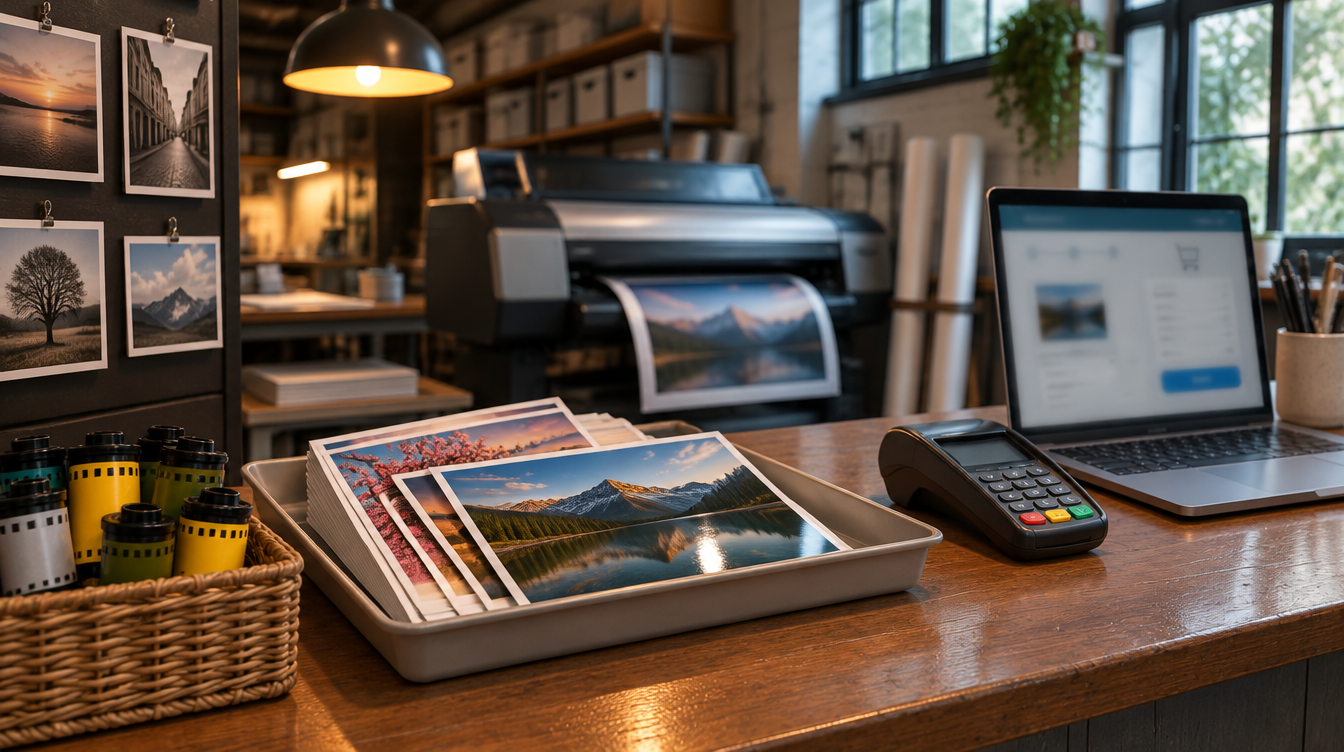
Photoworks Inc., a San Francisco film lab, print and custom-framing shop, says "a sophisticated attack on Photoworks' e-commerce system" started on or about September 1, 2026 and was not discovered until October 22. The company says the attack was fully contained on October 28 and that it compromised customer names, addresses and emails and, "for a limited set of individuals, credit card information and/or passwords to our website." Its notice was posted by the California Attorney General on November 17, 2026. For any small business that takes orders online, it is a reminder that the checkout page is part of your network, even when the shop is a storefront on Market Street.
What Photoworks has said
In the sample notice letter filed with the California Attorney General, Photoworks says: "The attack was discovered on October 22, 2026, was fully contained on October 28, 2026 and has been reported to the San Francisco Police Department and the FBI." It says it engaged "security, technology and privacy experts," that the investigation concluded on November 6, and that "Other information was not compromised."
The letter says Photoworks has "implemented additional enhanced security controls and procedures for the e-commerce system." It tells affected customers: "Unless you have logged onto the website on or after November 6, 2026, you will need to reset your password. We also suggest you change this password on any other sites where you use it." It also recommends monitoring financial accounts and contacting the card issuer about any unauthorized activity. The filed sample is the version for customers whose card information and password were both involved.
On its website, Photoworks describes more than 37 years of film developing, printing and custom framing in San Francisco, an online shop, and work with galleries, event venues, interior designers and property developers.
What we are not claiming: Photoworks has not said how the attackers got in, how the card information was captured, or how many customers are affected, and we are not guessing. We are not saying any systems were encrypted, that a ransom was demanded or paid, that the shop or lab was disrupted, or that any card has been misused. We are not attributing this to any criminal group. Photoworks says customer names, addresses and emails were compromised, and card details and/or website passwords only for a limited set of people.
Why this matters to small businesses that sell online
Print shops, framers, exhibit and display producers, and other small businesses often run an online store on a plugin-heavy platform that was set up years ago and is rarely touched. Admin logins get shared, extensions go unpatched, and nobody is assigned to watch the checkout code. An attacker who can change that code or reach the customer database can quietly collect what customers type in.
The timeline is the other lesson. By Photoworks' account the attack started around September 1 and was discovered on October 22, about seven weeks later. For an online store, that is weeks of orders.
What to do this week
- Know who runs your store. Write down the platform, the hosting provider, the payment processor, every plugin or extension, and who is responsible for updating each one.
- Get card entry off your own pages where you can. Hosted payment fields or a hosted checkout from your processor keep card numbers out of your site and your database.
- Put multi-factor authentication on every admin login. Store admin, hosting control panel, domain registrar, payment processor and email. Remove shared and former-staff accounts.
- Patch and prune. Update the platform and every plugin, and delete the ones you no longer use.
- Watch for changes to checkout code. File-integrity or script monitoring should alert a real person when payment-page scripts change unexpectedly.
- Protect customer passwords. Confirm passwords are stored with a modern hashing method, offer MFA or passwordless sign-in to customers, and know how you would force a reset.
- Write down the first-hour plan. Name who calls your payment processor, cyber insurer, breach counsel and web developer, and how you will notify customers if their data is involved.
The takeaway for IT decision-makers
For a small shop with an online store, the riskiest system is often the one nobody thinks of as IT. Know who maintains it, keep card numbers off your own pages, lock down every admin login, and make sure someone would notice the checkout changing in days, not weeks. If you'd like help working through that list, Brotherly Technology can help.
Sources
- California Attorney General: Photoworks Inc. submitted breach notification sample (date of breach listed as Sept. 1, 2026; published Nov. 17, 2026; checked Nov. 20, 2026)
- Photoworks: Breach Notification Letter (sample, PDF) (checked Nov. 20, 2026)
- Photoworks SF (company description and Market Street address; checked Nov. 20, 2026)