
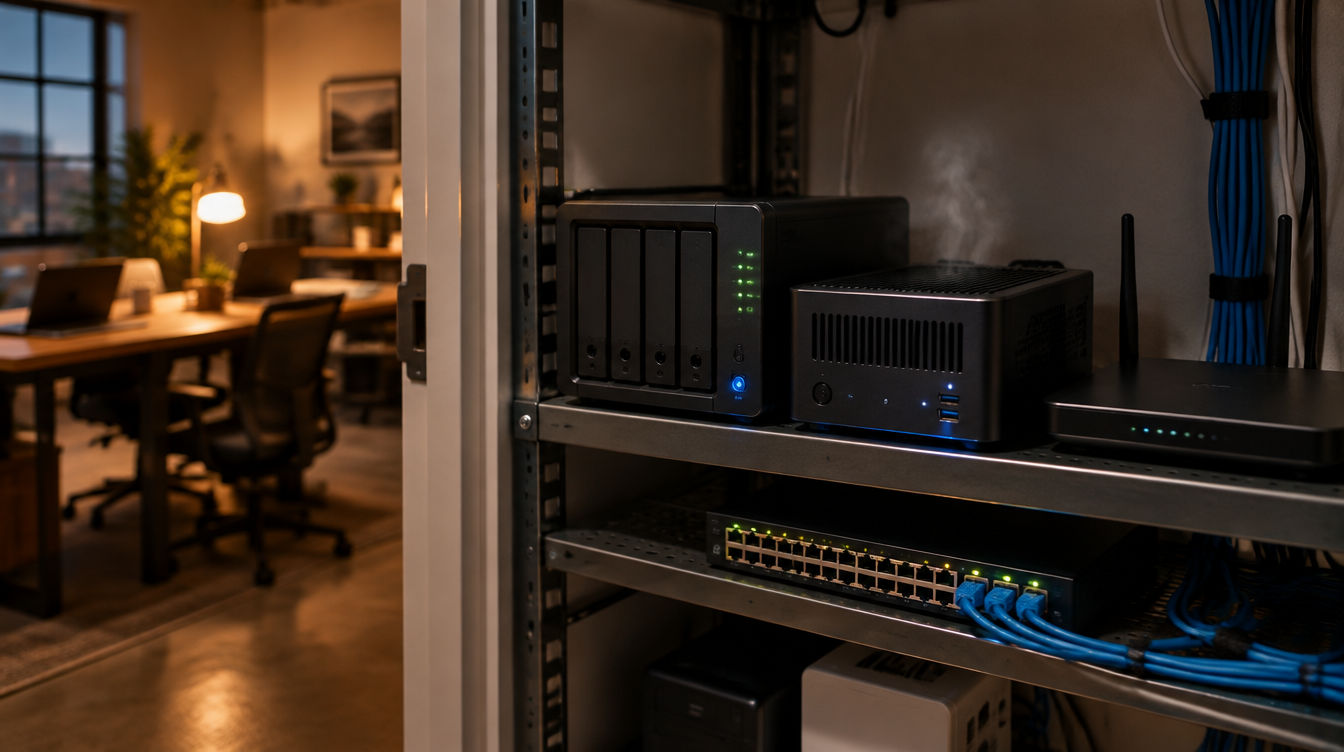
Plex is the app a lot of people use to stream their own movies, music and photos. It also turns up in places nobody planned for: a NAS in the back office that "also runs Plex," a waiting-room TV fed from a spare PC, a shop owner's home server, or an employee's home media box sitting on the same Wi-Fi as the laptop they use for work. On Oct. 19, 2026, Plex said four bugs in Plex Media Server were being "actively and widely exploited," and CISA added all four to its Known Exploited Vulnerabilities list the next day.
The fix has been out since early September. The problem is the servers nobody has updated, and Plex's own advice is blunt: if yours is older than the fixed build and reachable from the internet, "assume it may be compromised."
What's been reported
- Four bugs, one chain. Plex lists CVE-2026-96652, -96654, -96655 and -96656. Researcher Zach Main, who reported them to Plex and nicknamed the chain "Plex2Shell," showed how they fit together: an outsider with no Plex account tricks the server into calling its own internal functions, takes the owner's admin token, and plants a file that Plex then runs. BleepingComputer reports he rates the full chain 9.8 out of 10.
- Which versions. In its security notice, Plex says Plex Media Server 1.43.3.10861 and later are not affected. Anything older is.
- What attackers are doing with it. Plex says a public proof of concept came out Oct. 16, and since then hacked servers have been used "to run cryptocurrency miners and proxy software, which routes other people's traffic through the victim's internet connection." Ars Technica quotes a researcher tracking the attacks who warns that attackers "would love to have residential IP proxy to access corporate VPNs and emails."
- Federal deadlines. CISA's KEV catalog gave agencies until Oct. 23 for two of the bugs and until Nov. 3 for the other two (CVE-2026-96652 and -96655). Those dates bind federal agencies, not you, but they tell you how seriously CISA rates it.
- What isn't known. Nobody has published a count of hacked servers, and no business has been named as a victim. Reports so far describe miners and proxy software, not ransomware or data theft.
Why an office should care about a media server
A cryptominer sounds like a nuisance: a slow, hot box and a higher power bill. The proxy software is the bigger worry. It lets strangers send their traffic out through your internet connection, so their activity shows up under your office's address. And Plex itself warns that anything the Plex account could reach, such as mapped shares and passwords saved on the same machine or virtual machine, should be treated as possibly exposed. On a NAS that also holds scans, backups or shared folders, that's the part that matters.
These boxes also tend to fall outside anyone's patch list. They were set up by a staff member or a past IT person "just for the TV," port 32400 was forwarded on the router so it works from home, and nobody has looked at it since.
Clear takeaway
Find every Plex server your business touches, update it to 1.43.3.10861 or later today, and if it was reachable from the internet on an older version, check it for the warning signs Plex published before you trust it again.
What to do this week
- Find the Plex servers. Check NAS app lists (Synology, QNAP, WD and others), spare PCs, and the router's port-forwarding page for port 32400. Ask staff who work from home whether a Plex server runs on their home network.
- Check the version and update. In Plex Web, go to Settings, then General, and confirm 1.43.3.10861 or newer. NAS package stores can lag behind, so Plex's notice links manual-install steps for each brand.
- Close the door if you don't need it. Plex recommends turning off Remote Access under Settings if you don't use it, and not forwarding port 32400 straight through the router unless you must.
- Look for the warning signs. Plex lists unfamiliar processes started by Plex Media Server (names such as myawesomeproxy, mylovelyminer or x12345), unfamiliar .so or .dll files in the Plex Codecs folder, outbound connections to proxystream.st, and high CPU when nothing is playing.
- If you find any, rebuild. Plex says to reinstall cleanly rather than reuse the old Plex data folder, or at minimum empty the Codecs folder and check Preferences.xml for transcoder settings you didn't make. Updating alone doesn't remove a planted file.
- Reset what it could reach. Sign out of all devices in your Plex account and change the Plex password. If the server had access to shared folders or saved passwords, change those passwords too.
- Move it off the business network. A media server doesn't need to sit on the same network as your file shares and work PCs. Put it on a guest or separate network, and keep it on the patch list from now on.
How Brotherly Technology can help
Brotherly Technology can sweep your network and router for Plex and other forgotten home-style servers, update or remove them, check for the signs Plex published, and move anything that has to stay onto its own network. If you're not sure what's running on that box in the back office, call us and we'll look at it this week.
Sources
- Plex: Important Security Update for Plex Media Server v1.43.2 and earlier (Sept. 1, 2026; exploitation update Oct. 19, 2026)
- CISA: CISA Adds Six Known Exploited Vulnerabilities to Catalog (Oct. 20, 2026)
- CISA Known Exploited Vulnerabilities Catalog (CVE-2026-96652 and -96655 due Nov. 3; -96654 and -96656 due Oct. 23)
- BleepingComputer: CISA: Hackers chain Plex flaws in Plex2Shell attacks to breach servers (Oct. 21, 2026)
- Ars Technica: PSA: Patch your Plex media server before someone hacks it (Oct. 19, 2026)