
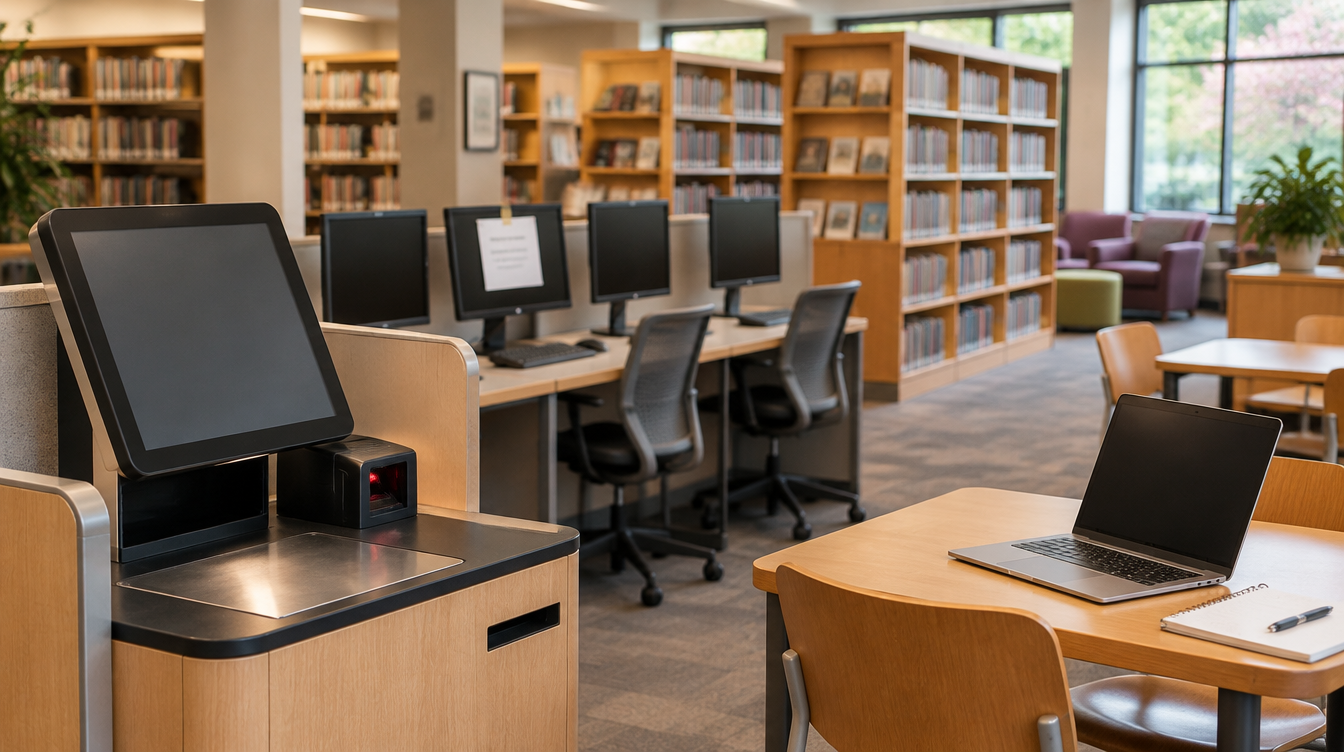
Every one of Queens Public Library's 66 locations stayed open after a ransomware attack, but the library's digital front door has been down since Wednesday. The Queens Public Library (QPL) confirmed on the evening of Wednesday, November 4, 2026, that a ransomware attack caused a network outage across the system. As of Monday, November 9, free Wi-Fi and check-out and return machines are back. The website, mobile app, on-site computers and printers, digital media services and renewals are still unavailable, and the library says it does not yet have a timeline. For any nonprofit or business with several locations and the public walking in the door, this is a useful case to study, mostly for what kept working.
What the library and police have said
- The first day: QPL reported a systemwide network outage on Wednesday affecting its website and app, check-out and return machines, renewals, on-site computers and free Wi-Fi at all 66 branches, and attributed it to ransomware (NY1, The Register).
- Open anyway: all locations remained open as scheduled. Some virtual and in-person programs were affected, and patrons are not charged late fines during the outage.
- Restored since: free Wi-Fi at all open locations, and check-out and return machines, which CEO Dennis M. Walcott says are running at limited capacity. The website now redirects to a temporary update page (ABC7 New York, Nov 9).
- Still down: the website, the QPL mobile app, public computers and printers, digital media services, internal systems and renewals.
- Investigation: Walcott said the library is working with the NYPD, its federal partners, City Hall and cybersecurity experts. The NYPD said it is working with the library and the FBI. Walcott told Gothamist it is not yet clear who is behind the attack or whether users' data was exposed, and told NY1 the library is still determining "the impact to our systems, data, and operations."
- No claim yet: The Register reported on November 5 that no established ransomware group had claimed the attack.
What we are not claiming: We don't know how the attackers got in, which systems were encrypted, whether any patron or staff data was taken, whether a ransom was demanded, or who is responsible, and neither do the public sources. We are not suggesting patron data was stolen. Everything above comes from the library's statements and the cited news reports, and the network-design points below are general advice, not a description of QPL's network. QPL is not a Brotherly client.
Why it matters to nonprofits and multi-site organizations
Most nonprofits, churches, clinics, schools and multi-location small businesses run some version of the same setup: public or guest Wi-Fi, a few shared computers, kiosks or point-of-sale devices, a website, and staff systems, often all on one flat network managed by one overworked person. When ransomware hits a network like that, everything goes down at once. QPL's sequence is the realistic one for a larger, well-supported organization: the doors stay open, the simplest services come back in days, and the website, public computers and internal systems take longer. Two things decide how long that takes for you: whether your networks are separated, and whether you have backups the attacker couldn't reach.
What to do this month
- Separate the public from the staff network. Guest Wi-Fi, public computers, kiosks, cameras and staff systems should sit on separate networks (VLANs) with firewall rules between them. Separation is what lets you bring one back without trusting the rest.
- Know how you'd run a day offline. Write one page per location: how you check people in, take payments or donations, sign out equipment and record activity on paper, and who decides to switch to it. QPL kept every branch open; plan for the same.
- Host your status page somewhere else. If your website runs on your own server, or shares credentials with your internal systems, it goes down with them. Keep a simple page and your social accounts able to post updates from outside your network, with MFA on all of them.
- Keep at least one backup copy offline or immutable, with separate credentials, and test a restore of a whole server, not just a single file. Ransomware crews go after backups first.
- Put MFA on every remote way in: VPN, remote desktop, remote support tools and admin accounts. Remove accounts for former staff, volunteers and vendors.
- Write your call list before you need it. Your IT provider, your cyber insurance carrier's hotline, legal counsel, the FBI field office and IC3, and whoever speaks for the organization. Print it.
- Decide in advance who talks to the public. QPL put out plain updates quickly: what's down, what's working, no late fines, a phone number. Draft a holding statement now so you're not writing one during the incident.
The takeaway for IT decision-makers
Ransomware recovery is usually measured in weeks, and the organizations that handle it well are the ones that kept serving people while systems were down. QPL kept 66 branches open and got Wi-Fi and checkouts back within days, while its website, public computers and internal systems are still being rebuilt with no date announced. For a nonprofit or multi-site business, the work is not glamorous: separate networks, offline backups, MFA on remote access, a paper plan for each location, and a status page that doesn't live on the server you just lost. If you'd like help finding out how your locations would hold up, Brotherly Technology can help.
Sources
- Queens Public Library: Network Outage Updates (temporary update page, checked Nov 9, 2026)
- ABC7 New York: Queens Public Library restores some services after ransomware attack (Nov 9, 2026)
- NY1: Ransomware attack disrupts Queens Public Library services (Nov 5, 2026)
- Gothamist: Queens Public Library online system downed by ransomware hack, officials said (Nov 5, 2026)
- The Register: New York's Queens Public Library battles ransomware crims (Nov 5, 2026)