
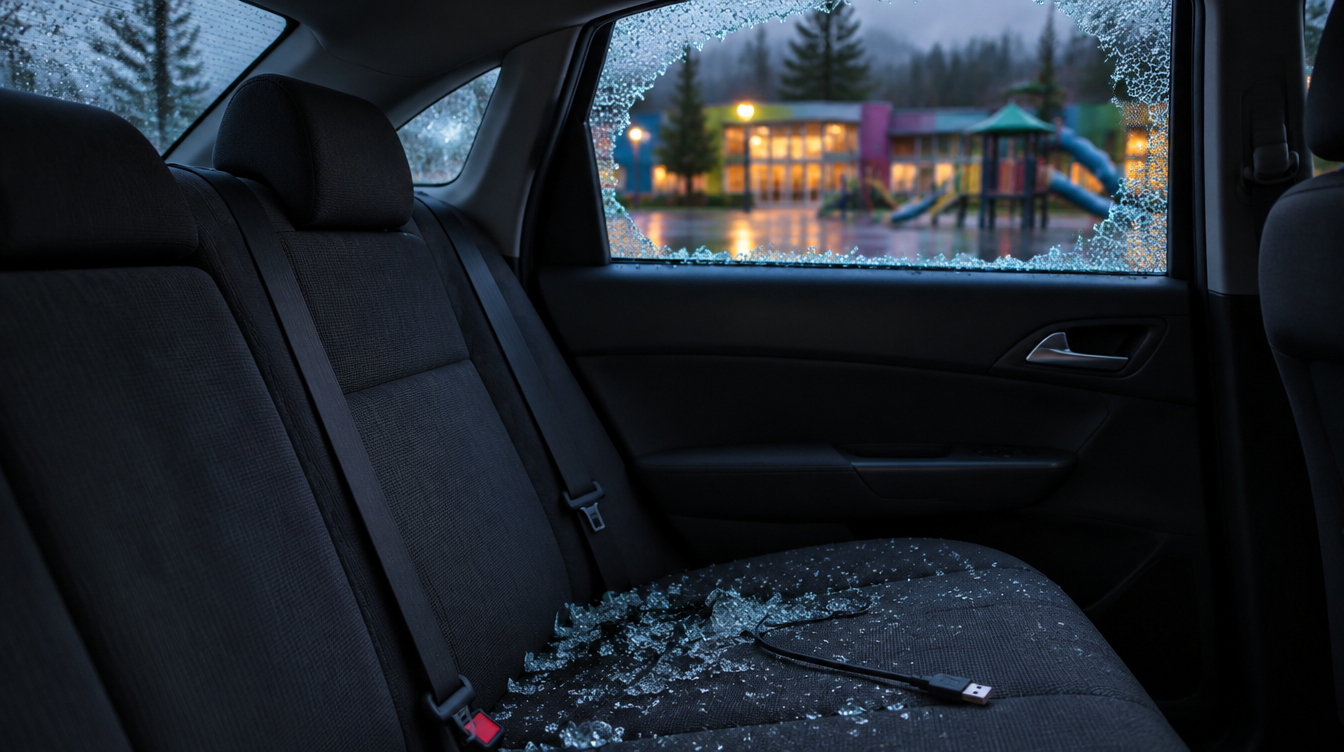
Hands On Children's Museum, a 501(c)(3) nonprofit children's museum in Olympia, Washington, says one of its backup hard drives was stolen from "an approved information technology vendor responsible for maintaining our backup systems." The museum says the theft "was a result of a vehicle break-in," that the vendor filed a police report, and that it became aware of the theft on or about October 8, 2026. The Washington Attorney General's breach listing, reported November 5, 2026, shows 1,001 Washington residents notified. For any nonprofit or small organization, it is a reminder that a backup is a full copy of your data, and it needs the same protection wherever it travels.
What the museum has said
In its notice letter dated November 5, 2026 and filed with the Washington Attorney General, the museum says: "We learned the backup drive was not the intended target but was included in a bag along with other items that were stolen from the vehicle." It says it then reviewed the data set to determine what personal information was potentially involved and to whom it related, and finished that review on November 2, 2026.
The letter says, "There was no credit card information stored on the backup drive," and that the museum is "not aware of any actual or attempted misuse" of anyone's information. It offers 12 months of single-bureau credit monitoring and fraud assistance through TransUnion (Cyberscout). The Washington listing gives the date of the breach as October 6, 2026 and lists the types of information as name, Social Security number, financial and banking information, full date of birth, and "other." The museum's letter says the information involved "varied by individual."
On its website, the museum describes itself as a 501(c)(3) nonprofit serving families across Olympia, Lacey, Tumwater and the South Sound region, with 150 exhibits, outdoor play areas, camps and educational programs.
What we are not claiming: The museum has not said whether the backup drive was encrypted, and we are not guessing either way. We are not saying anyone has accessed the data on the drive, that any information has been misused, or that the museum's systems were hacked. This was a physical theft from a vendor's vehicle, not a reported network intrusion or ransomware attack. We are not naming the vendor, which the museum did not identify. The 1,001 figure is the number of Washington residents in the state listing, not a total.
Why this matters to nonprofits and small organizations
Museums, schools, clubs and other nonprofits often rely on a part-time IT person or an outside vendor to handle backups, and it is common for a portable drive to be the offsite copy. That drive can hold member, donor, staff and payroll records in one place. If it is not encrypted, losing the drive can mean notifying everyone on it, even when the thief only wanted the bag.
The vendor angle matters too. The museum says the vendor was approved and responsible for its backups. That is normal, but it means the vendor's handling of the drive is part of your security, and it belongs in your contract and your checklist.
What to do this week
- Find every copy of your backups. List each backup drive, NAS, cloud backup and old archive, where it physically sits, and who can take it off-site.
- Encrypt every backup and portable drive. Use full-disk or backup-software encryption, and keep the key or password somewhere other than the drive.
- Prefer encrypted cloud or managed offsite backup over drives in cars. If a drive must travel, it goes straight from building to building and never sits in a vehicle.
- Put backup handling in your vendor agreement. Spell out encryption, transport, storage, who to call and how fast if a drive is lost or stolen.
- Keep less on the backup. Stop storing Social Security numbers and bank details you no longer need, and purge old donor, member and payroll exports.
- Test a restore. Confirm you can recover from your backups and that you would know within a day if a copy went missing.
- Write down the first-hour plan. Name who calls your IT vendor, cyber insurer and breach counsel, and how you would notify members, donors and staff if their information is involved.
The takeaway for IT decision-makers
A backup is only as safe as the place it is stored and the bag it travels in. Encrypt it, know where every copy is, hold your vendor to written handling rules, and keep less sensitive data on it to begin with. If you'd like help working through that list, Brotherly Technology can help.
Sources
- Washington Attorney General: Data Breach Notifications (Hands On Children's Museum; date reported Nov. 5, 2026; date of breach Oct. 6, 2026; 1,001 Washington residents; checked Nov. 21, 2026)
- Hands On Children's Museum: notice letter dated Nov. 5, 2026 (PDF, filed with the Washington Attorney General) (checked Nov. 21, 2026)
- Hands On Children's Museum: About Us (nonprofit status and service area; checked Nov. 21, 2026)
- Hands On Children's Museum (150 exhibits, outdoor play areas, camps and programs; checked Nov. 21, 2026)