
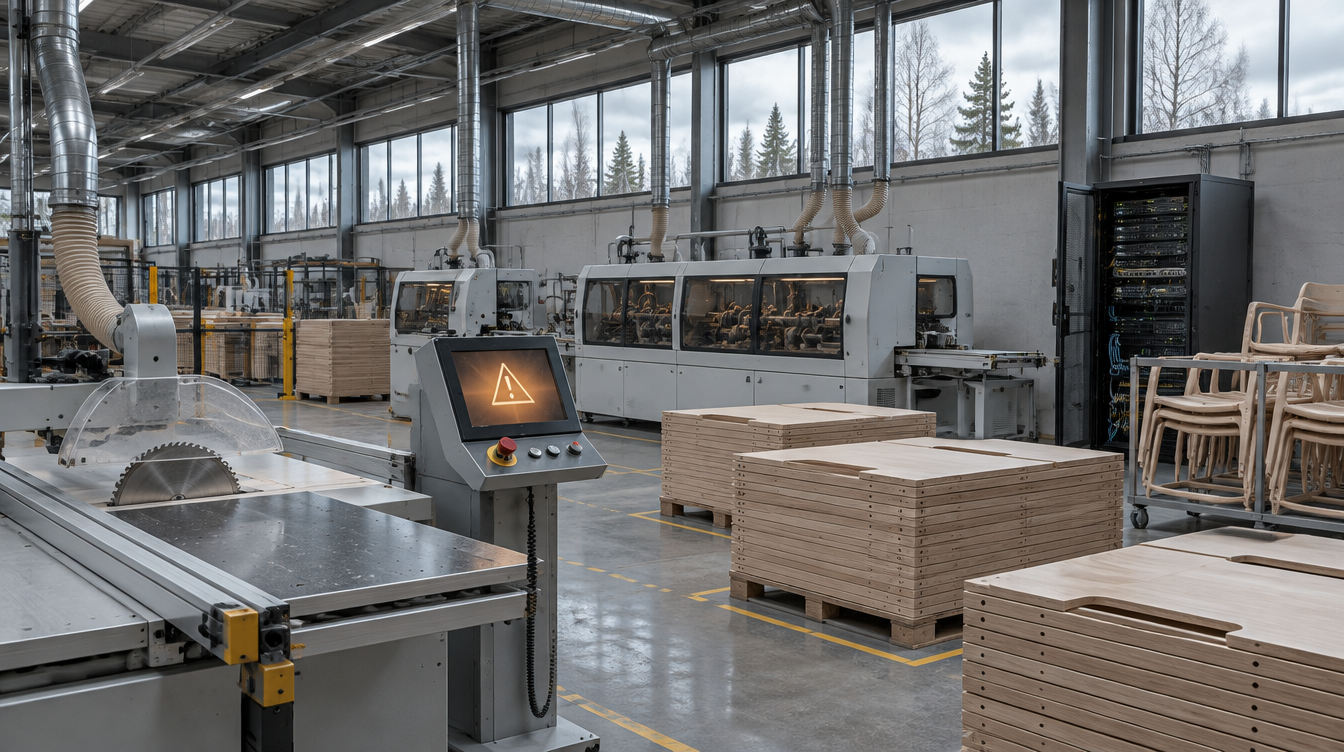
Kinnarps, the Swedish office and public-space furniture maker, stopped production at three of its factories after it found abnormal activity on its network late on Saturday, November 7, 2026, and shut its systems down to contain it. The company says no ransom demand has been made, the attacker is unknown, and the incident has been reported to the police. By Friday, November 13, Kinnarps said production was restarting step by step and should be back to normal within days. Any manufacturer, exhibit builder or production shop that runs scheduling, machines and shipping off the same network should ask how long it could run without those systems.
What Kinnarps has said
Ann Cederwall, Kinnarps' marketing and communications director, told SVT that when the company discovered the intrusion "we acted immediately and shut down our systems to isolate and minimise the damage." SVT reported on November 10 that all production had stopped on the Monday at the company's plants in Kinnarp, Jönköping and Skillingaryd, that servers had been shut down while staff went through each device, and that the company website was down, with visitors directed to the switchboard. "It obviously affects our production because we depend on our systems," Cederwall said. Asked whether a ransom had been demanded, she said no. Asked whether anything had failed internally, she said it was "too early to say." (Quotes are our translation from Swedish.)
eBuilder Security, summarising Swedish coverage on November 12, quoted Cederwall as saying the IT team and outside experts "were able to trace fairly quickly where the attackers got in." Kinnarps has not said publicly what that entry point was.
On November 13, Cederwall told Sveriges Radio P4 Skaraborg that production was being restarted gradually and had been running in limited form in several departments since Monday. Falköpings Tidning reported the same day that she expected operations to return to normal within the next few days.
What we are not claiming: Kinnarps has not named the attacker, described the entry point, or said whether any files were encrypted or copied, and we are not guessing. We are not calling this ransomware, and we are not saying any employee or customer data was taken; the company has not said either way. Swedish outlets have reported different staff figures for the affected sites, so we are not giving a single number. Recovery timing here is what the company told local press as of November 13.
Why this matters to manufacturers, exhibit builders and production shops
The plants stopped because the company shut down its own systems, which was the right move to contain the intrusion. In a modern shop, the business network and production are tied together. Orders, cut lists, CNC programs, routing, label printing and truck schedules all come from the same servers that an intruder might be on. When those servers go dark, the machines may be fine but nobody knows what to build next.
A smaller fabricator, millwork shop or exhibit house has the same dependency on a much smaller scale, and usually with less IT staff. Shutting down quickly is only half the plan. The other half is knowing what you can still do safely while systems are off, and how to bring them back in the right order.
What to do this week
- Map what production needs from IT. List the systems the floor can't run without: ERP or job tracking, CAD/CAM files, machine programs, label and shipping software, and the file shares behind them. Note which ones also run in the cloud.
- Decide who can pull the plug, and how. Write down who can order an emergency shutdown or disconnection, and practice doing it, including after hours on a weekend.
- Keep a manual fallback for a few days. Keep current printed or offline copies of open orders, cut lists, machine programs for repeat jobs, and customer and carrier contacts, so you can keep finishing work in progress safely.
- Separate the shop floor from the office network. Machine controllers and production PCs shouldn't sit on the same flat network as email and web browsing. Even basic segmentation can stop one infected laptop from reaching the CNC programs.
- Test a restore, not just a backup. Confirm you have offline or immutable backups of the ERP and production file shares, and time how long a real restore takes. That number is your downtime estimate.
- Lock down the ways in. Require MFA on VPN, remote-access tools, Microsoft 365 and any vendor or machine-builder support accounts, and remove access nobody is using.
- Plan how you will talk to people. Have a way to reach staff, customers and carriers if email and the website are down, such as a phone tree, a text list or a simple status page hosted elsewhere.
The takeaway for IT decision-makers
Shutting down quickly is the right first move, but it only helps if you can live with it. Know what production depends on, keep a manual fallback for a few days, separate the shop floor from the office network, and test how long a real restore takes. Those steps turn a shutdown from a crisis into a planned, slower week.
Sources
- SVT Nyheter: Möbeljätten Kinnarps hackad – stopp för all produktion i tre fabriker (published Nov 10, updated Nov 11, 2026; in Swedish)
- Sveriges Radio P4 Skaraborg: Efter hackerattacken – Kinnarps produktion på väg tillbaka (Nov 13, 2026; in Swedish)
- Falköpings Tidning: IT-attacken mot Kinnarps: "Successivt fått igång" (Nov 13, 2026; in Swedish)
- eBuilder Security: Kinnarps Cyberattack Halts Production at Three Swedish Factories (Nov 12, 2026)