
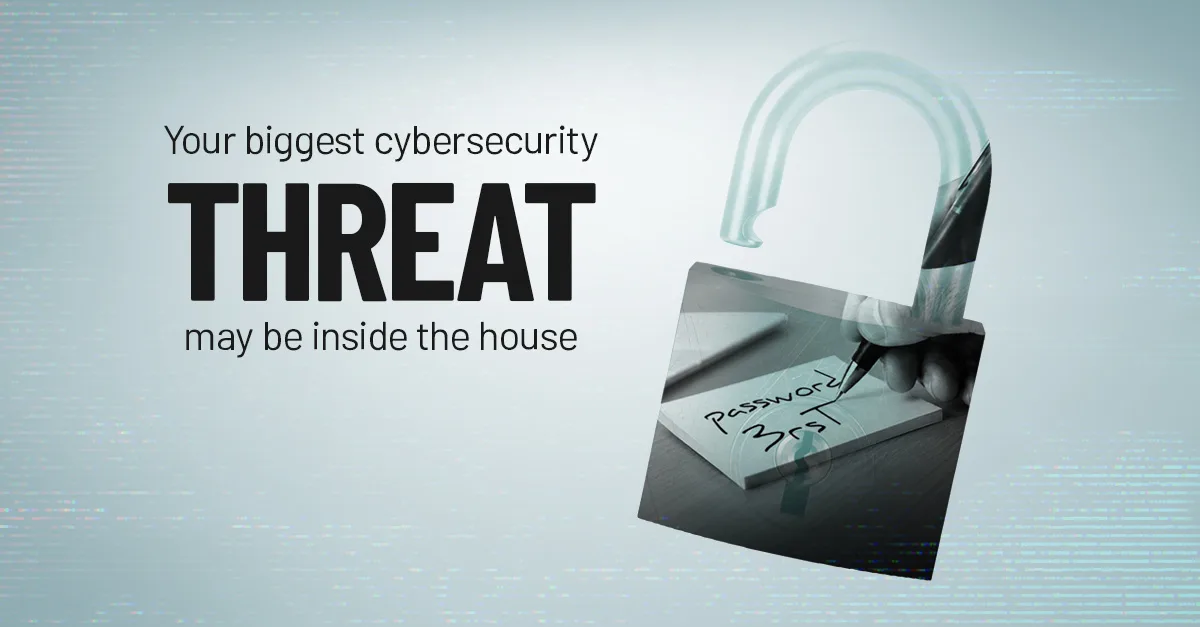
Ask most business owners what worries them about cybersecurity, and they'll describe a hacker somewhere else in the world, probing their firewall at 2 a.m. That threat is real. But a lot of the damage we actually see traces back to someone already on the payroll: an employee, a contractor, a vendor with too much access — not always acting with bad intent, just making a mistake nobody caught in time.
Insider threats don't get the same attention as ransomware gangs and phishing kits, but they're often harder to catch, because the person causing the damage already has a legitimate reason to be in your systems. Here's what to watch for and what to do about it.
Insider threats take six different shapes
"Insider threat" sounds like it means one thing: a disgruntled employee planning sabotage. In practice it's a wider category, and most of it has nothing to do with malice.
Data theft. Someone downloads or copies sensitive information for personal gain, a new job, or a competitor. This covers digital copying as much as it covers physically walking out with a laptop full of client records.
Sabotage. A disgruntled employee, or someone working on a competitor's behalf, deliberately deletes files, plants malware, or locks the business out of a system it depends on. Rare, but the kind of incident that makes the news when it happens.
Unauthorized access. Someone views information they have no business reason to see. Sometimes this is deliberate curiosity. More often it's an employee who was never taken off a system after their role changed, and nobody thought to check.
Negligence and error. The biggest category by volume, and the one that gets talked about least. A misdirected email, a skipped security step, an attachment opened without a second thought. None of it is malicious. All of it can expose a business just as badly as someone trying to.
Credential sharing. Handing a coworker your password to save time feels harmless in the moment. It means you can no longer say with confidence who actually did what inside a system, and it's one habit that quietly undoes almost every other security control you have.
Unauthorized AI use. A newer entry on this list. An employee pastes a client contract into a public AI tool to summarize it, or drops a spreadsheet of customer data into a chatbot to save time. The tool wasn't reviewed, the data wasn't supposed to leave the building, and now it's sitting on a server you don't control. We cover this specific risk in more detail in 6 Ways to Prevent Leaking Private Data Through Public AI Tools.
The warning signs worth training your team to spot
No single sign proves anything on its own. Patterns matter more than any one flag, and the earlier you notice one, the better your options.
- Unusual access patterns. Someone starts pulling up information that has nothing to do with their role.
- Excessive data transfers. Large downloads, or files moving to a personal drive or external device, especially outside a normal workflow.
- Repeated authorization requests. Someone keeps asking for access their job doesn't call for.
- Unapproved devices. Business data showing up on a personal laptop or phone that IT has never seen.
- Disabled security tools. Antivirus, firewall rules, or monitoring that's been turned off, even "just for now."
- Unapproved AI tools. Company or customer information getting pasted into a chatbot or app nobody signed off on.
- Behavioral changes. Missed deadlines, unusual secrecy, or visible stress that doesn't match anything else going on.
Building your defenses from the inside out
Five steps go a long way toward closing this gap, and none of them require ripping out what you already have.
- Require MFA and a real password policy. Multi-factor authentication makes credential sharing and stolen passwords a lot less useful to whoever ends up with them. Our guide to implementing MFA walks through where to start.
- Limit access to what each role actually needs. Review permissions on a schedule instead of assuming they're still correct. A person's access should shrink and grow with their job, not just accumulate.
- Train people on the specific risks above. Insider threats, safe AI use, and what to do when something feels off. A single annual video doesn't hold up; short, recurring training does.
- Back up your data on a schedule you actually test. Sabotage and negligence both end the same way: something important is gone. A tested backup is what turns that into an inconvenience instead of a crisis.
- Write down your incident response plan before you need it, including how your business expects employees to use AI tools day to day. Decide these things on a calm afternoon, not in the middle of a mess.
Don't try to catch this alone
Insider risk isn't solved by watching your employees more closely. It's solved by building a system where fewer mistakes turn into real damage.
Most of what shows up on this list isn't a discipline problem. It's a structure problem: access nobody reviewed, a policy nobody wrote down, a habit nobody addressed because it seemed too small to matter. Fixing that takes a partner who can look at your setup from the outside and tell you honestly where the gaps are.
If you want a practical framework for building these habits across your whole team, our free 10 Steps to Build a Cyber-Smart Team checklist is a good place to start, and it pairs well with the settings changes in 6 Free Cybersecurity Upgrades You Can Make This Week.
Brotherly Technology helps small businesses build the access controls and incident plans that catch insider risk before it becomes a headline. Book a free consultation and we'll walk through what your setup looks like today.